 Light Ops
Our story
Built by an installer. For installers.
Light Ops is the software Brendan Collins built to run his own Christmas lighting company. Every season runs on it. Now it can run yours.

Hanging lights since 2008.
Brendan started stringing lights for neighbors in 2008 and grew it into The Light Guys, a full Christmas lighting company in Bakersfield, California.
The office side never fit. Field-service software was built for plumbers and lawn crews. Quoting apps stopped at the quote. The season ran on spreadsheets, texts and memory.
So he built Light Ops inside his own company, one season at a time: the website designer, quotes that start filled in, the customer page, the crew app. It runs his business every day.

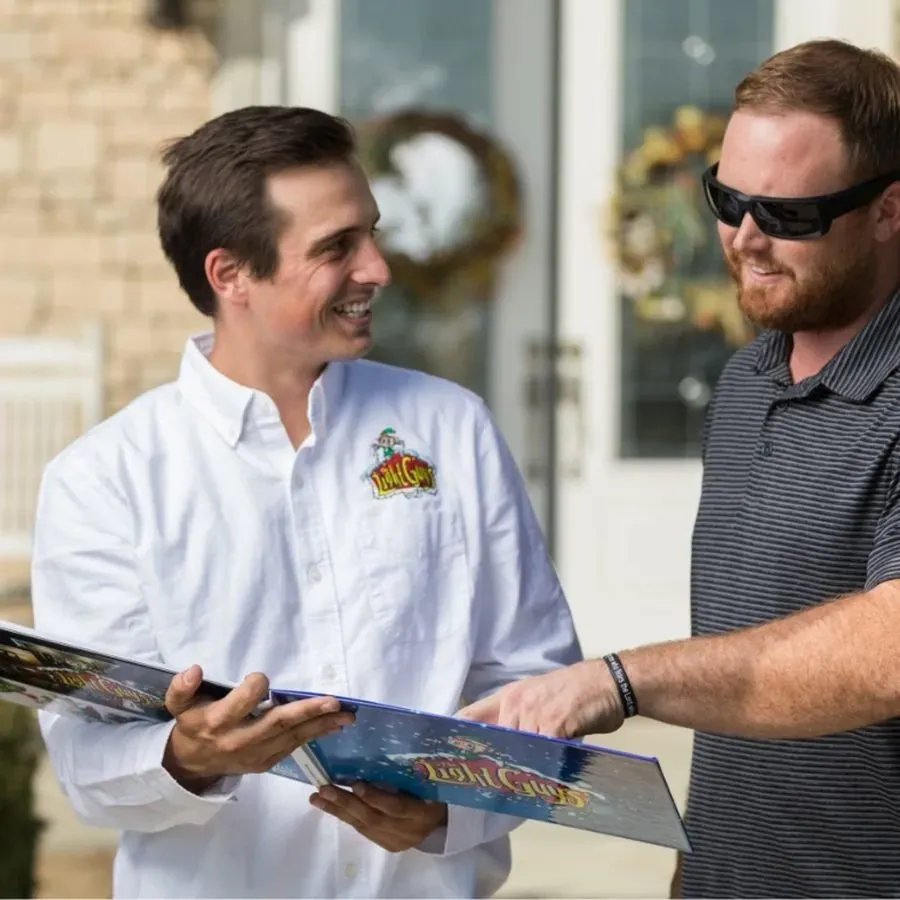
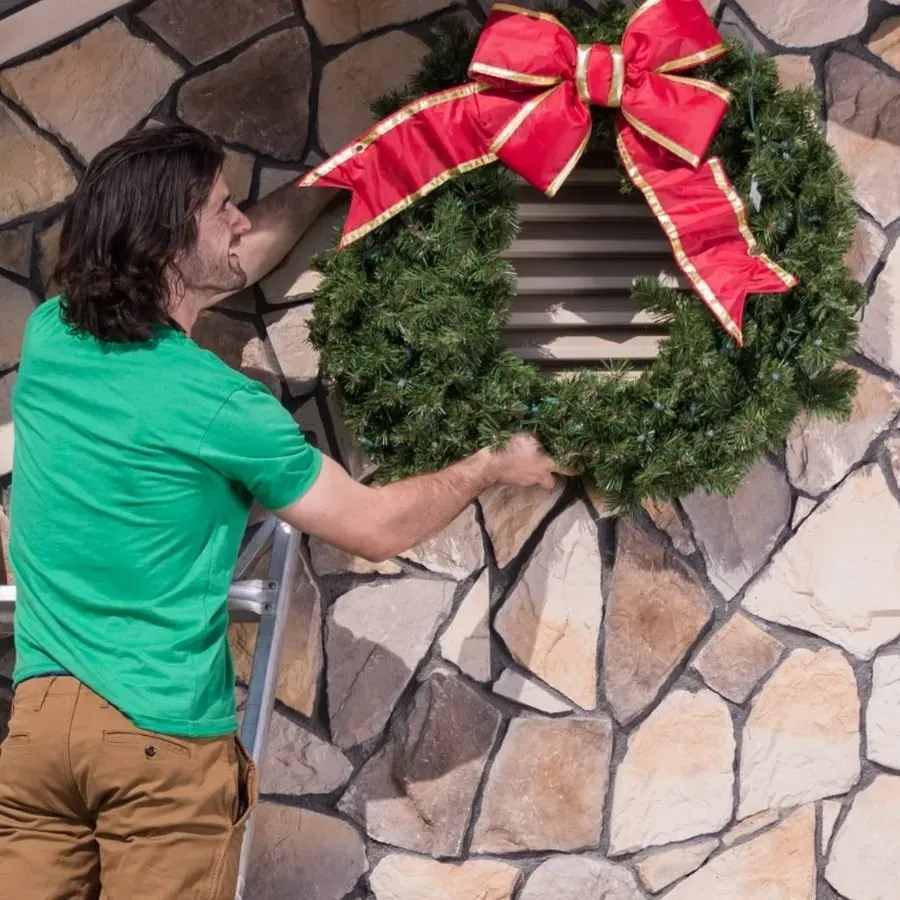
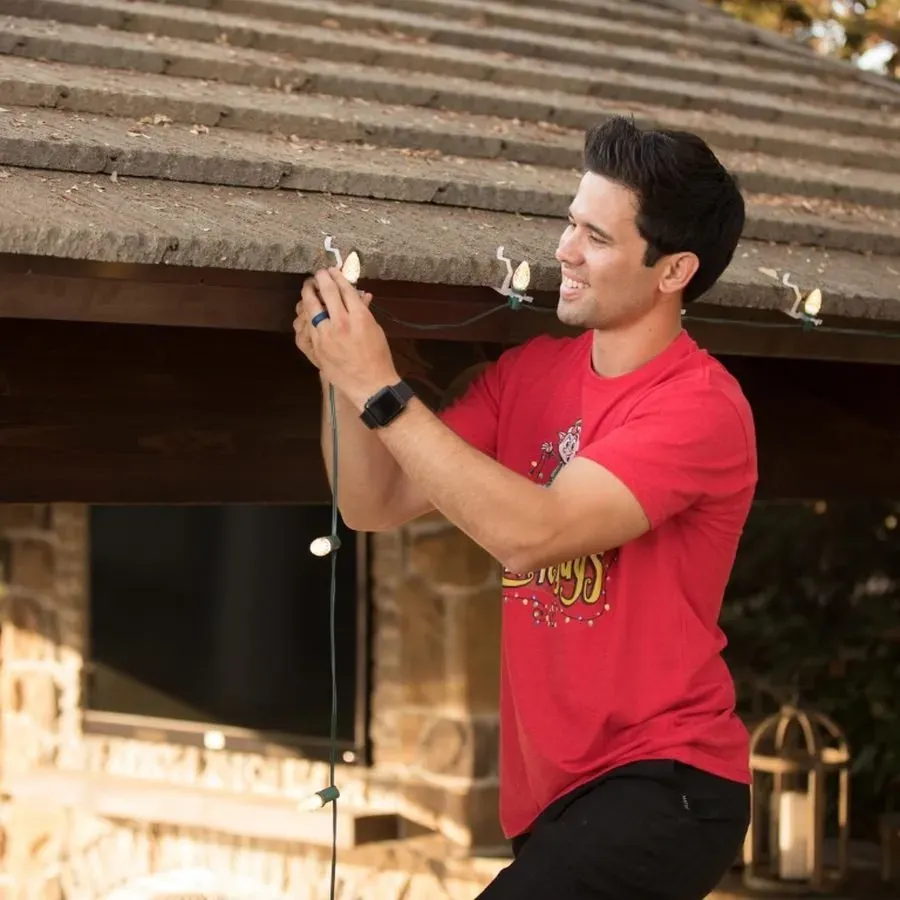
A season in Light Ops.
Light Ops follows the work in the order it happens, from the first request to take-down. Follow a sample job.
- SEPT · OCT
Requests and designs
Homeowners design their own lights on your website, then send the request. Each one lands in Light Ops as a customer and a Job in Needs Quote, with their photos, answers and design.
Website · Design Your Lights - OCT
Quotes and deposits
Open the quote and the lines are already there: C7s, clips, minis, cords, timer, install and removal. Send it. The customer approves, picks add-ons and pays the deposit on their own page.
Ops · Customer page - NOV
Install day
Your crew sees the day in best order by drive time, with the truck load list. Gate codes pop up as they arrive. Ladders get checked back in and the Before you leave checklist closes the job.
Crew app - DEC
Lights up, and repairs
Customers see “Your lights are up!”. If a section goes out, they tap “Something’s out?” with a photo. The repair lands on the same Job and on your crew’s Repairs tab.
Customer page · Crew app - JAN
Take-down and paid
The customer page shows the take-down notice. Balances get paid online, and the Job moves to Completed with its whole season in one place.
Ops · Customer page
The handoff is where it matters.
A customer sends in a request. Someone in the office builds the quote. A date gets chosen. A crew needs the address, the notes and the plan.
Each step is straightforward. Keeping the details together when the season gets busy is the hard part.
Light Ops keeps the office, the customer and the people in the field connected around the same job.
What we believe.
The rules we built into the software, because they’re how a lighting company actually runs.
You move the jobs.
One stage menu, two clicks, any direction. A Job only moves when you move it.
Money takes care of itself.
Deposits, balances and Paid or Unpaid come from real payments, so you never update them by hand.
One Job holds the whole season.
Customer, quote, invoice, payments, install date, gate code, photos and repairs live on one record.
Crews see the work, not the prices.
The crew app shows what to hang and where. Dollar amounts never reach their phones.
Built for one trade.
Every screen is shaped around a Christmas lighting season, from the first design to take-down.
Set up in an afternoon.
A setup list walks you through your logo, prices, customers, card payments and team.
Built around real installations.
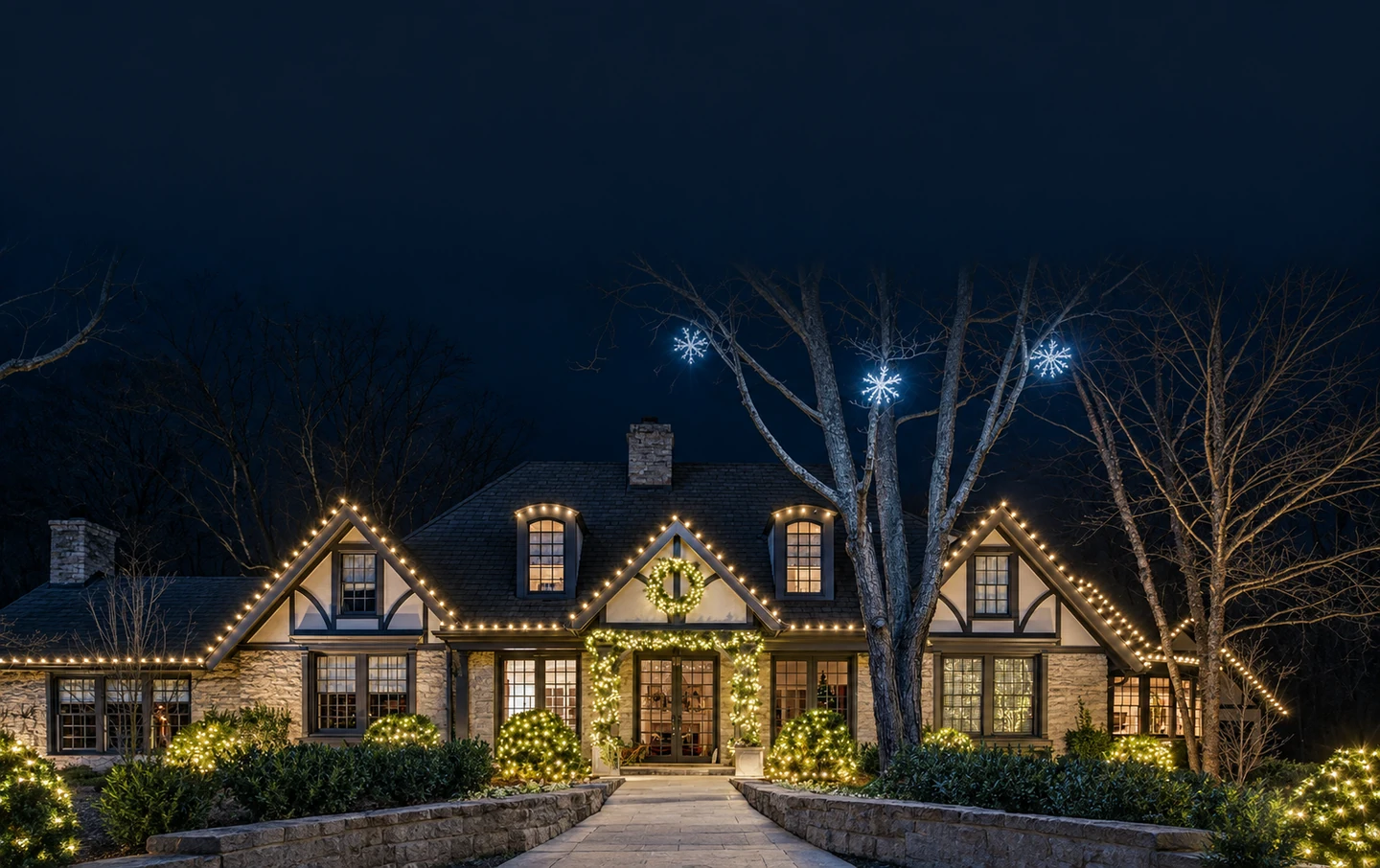
Every feature is used by a working install crew during the busiest weeks of the year before it reaches you. A selection of The Light Guys’ work in Bakersfield, where Light Ops began.
Who builds it
Built and supported by Collins Creative.
Collins Creative builds Light Ops and sets it up for each company. You talk to the people who build it.
- Book a 20-minute call or start your plan online.
- A setup list walks you through your logo, prices, customers, card payments and team.
- Your office and crew start using it. Book a call any time you want help.
Weekday email support at support@getlightops.com, with an aim to reply within one business day.
Free trial
Try it with your own prices, customers and crew.
- Website quote form and Design Your Lights
- Office, customer page and crew app
- Hosting, storage and email included